01.
Designing a Standardized Workflow Map for Internal Campaign Planning and Campaign Build Process
-
LucidChart and Wrike
-
Mediassociates was undergoing an agency restructure, which emerged the establishment of a brand new role called the Digital Operations role.
This role was created to help streamline and standardize operational functionality within the whole agency to reduce siloed thinking.
-
Multiple ways of work across 15 accounts with no unified flow
Miscommunication among team members creating delays in launches
No clear onboarding of new Account or new team members
No clear handoff from Account Team to Activation Team members
Task Fatigue and large workload for Account Planning team
-
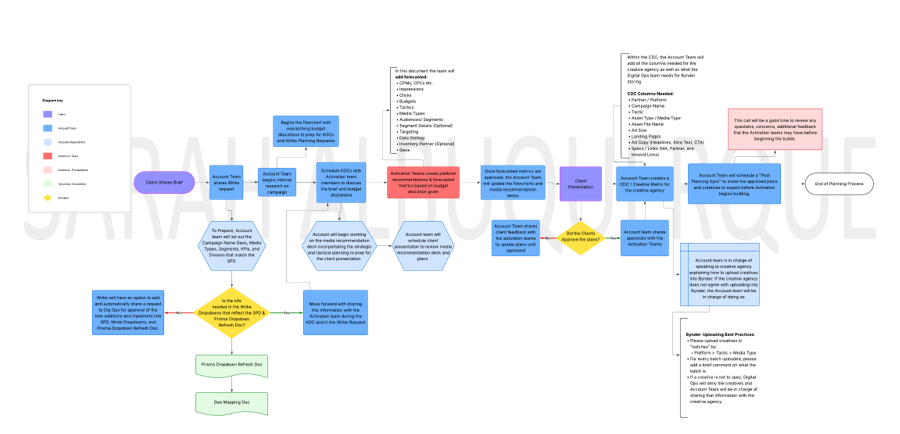
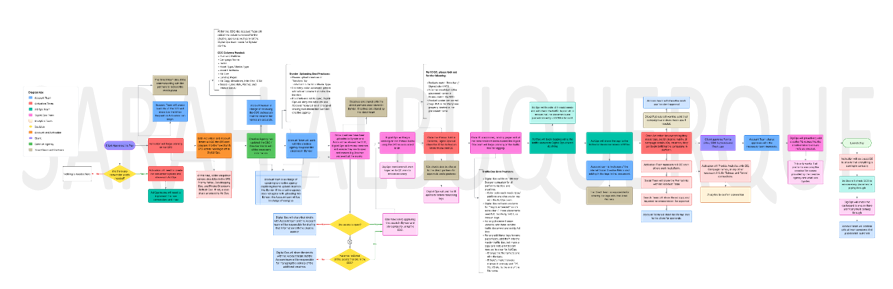
I designed the end-to-end planning and campaign building processes, mapping every step from first inquiry to project completion and launches.
-
A full workflow map identifying automation vs. human actions
Centralized major touchpoints cross-functionally, from client briefs to campaign launches.
Highlighted best practices and details.
Structured onboarding workflows with admin tasks, QCs, campaign execution, and campaign management per team member.
-
Clear visibility into the internal operations that all teams can refer back to.
Reduced manual follow-up and decision fatigue
More consistent process workflows and ways of work cross-functionally
A scalable operational foundation without added admin burden

02.
Created End-of-Flight Performance Review Wrap Reports to Showcase Campaign Highlights, Learnings, and Optimization Recommendations per Channel
*Disclaimer: Some parts in the pictures shown are hidden to protect client confidentiality.
-
Microsoft PowerPoint and Tableau
-
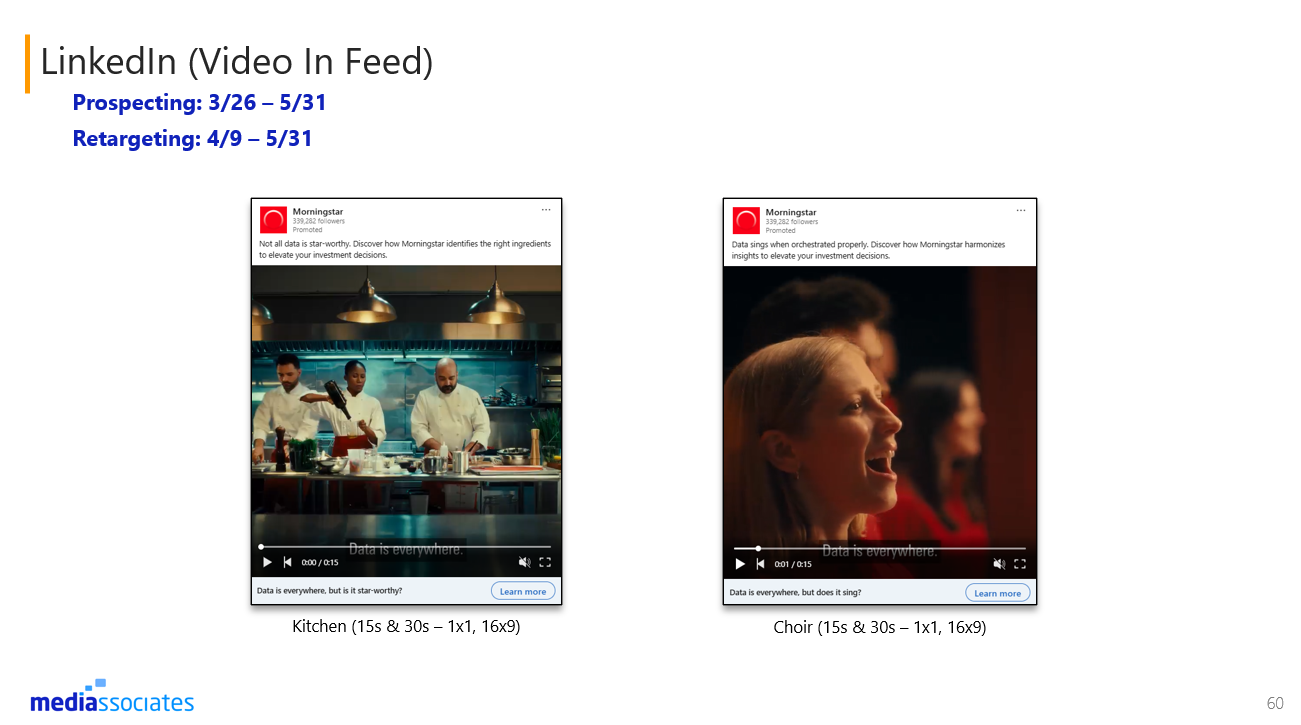
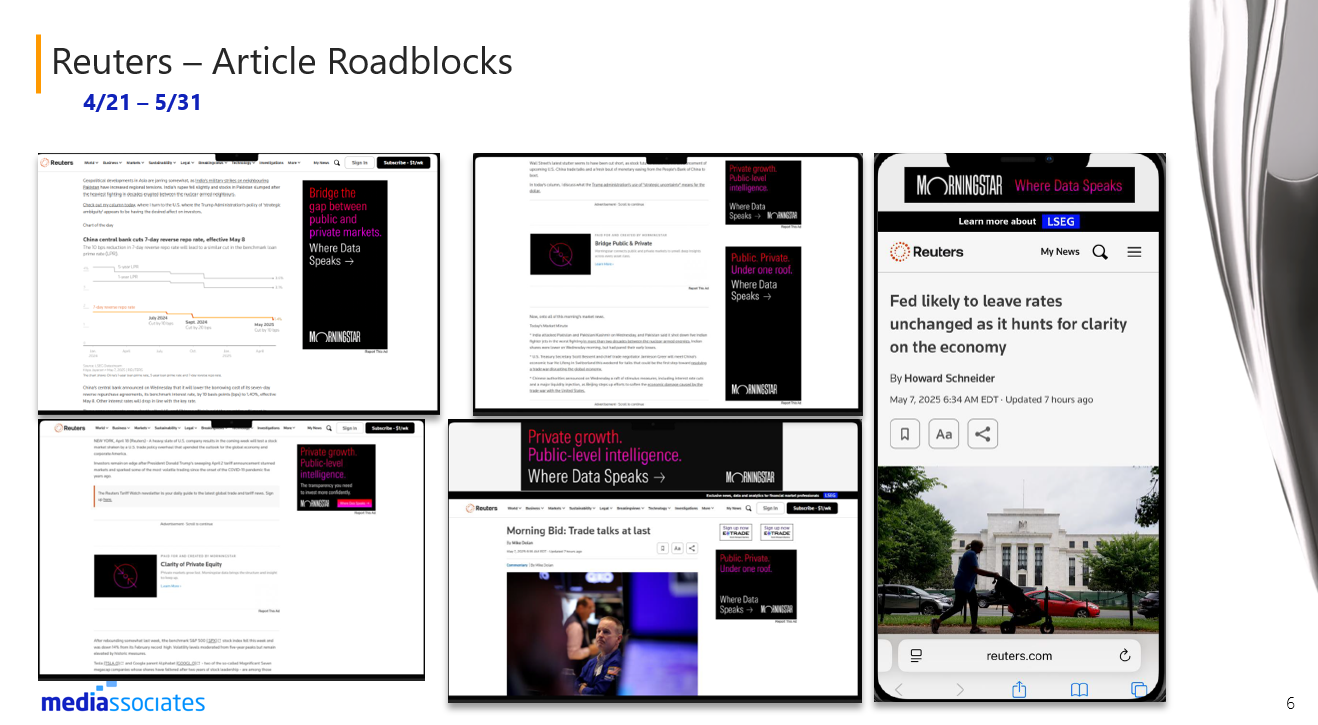
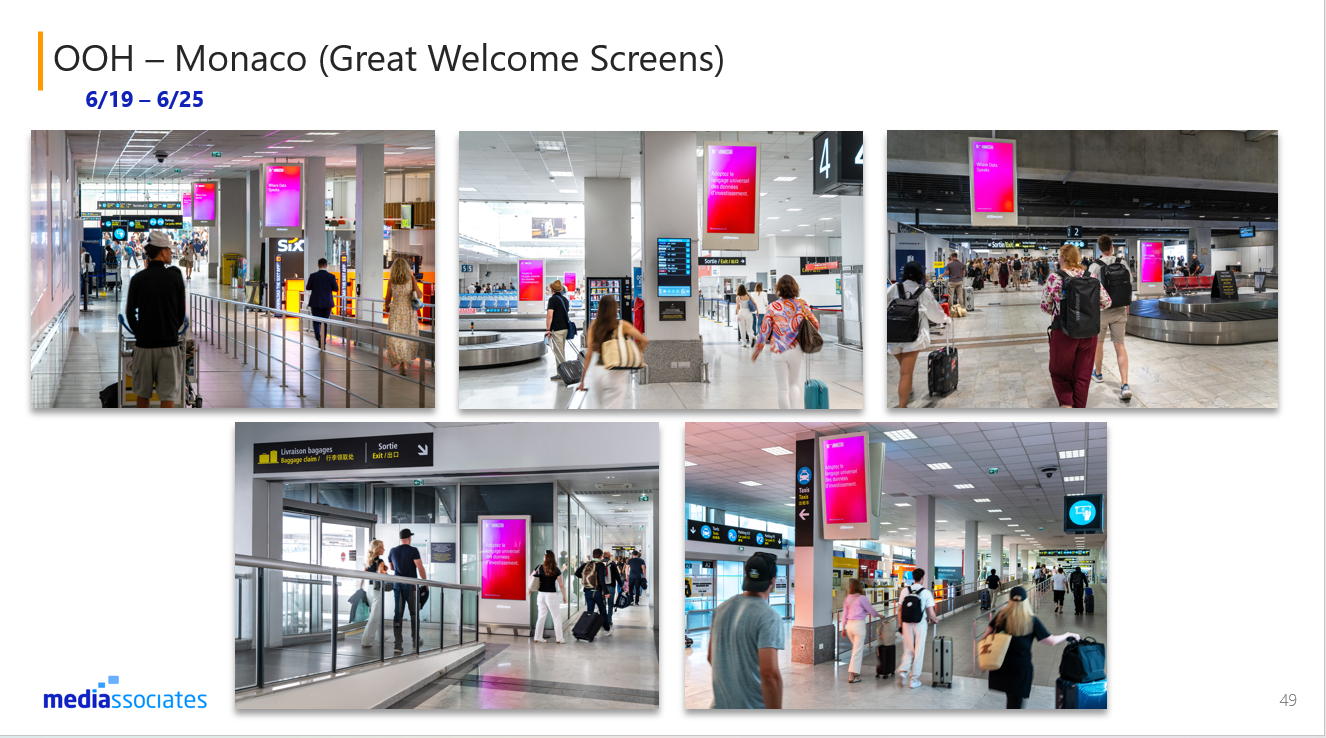
We worked on an end of flight performance review wrap report for every campaign we worked on to showcase the campaign highlights, learnings, and optimization recommendations per channel and presented to the clients.
-
As Account Planner I was in charge of:
Creating the presentations: formatting, adding in the campaign details, and prepare the presentation for manager review / approval.
Requested campaign highlights, learnings, recommendation from internal digital teams and external partners. I was responsible for ensuring these insights were shared on time and were accurate.
Review dashboards and make informed decisions based on the campaign performance to add into the deck in order to make the performance look stronger with insights.
Cross-reference direct partner 1p data with the dashboard to ensure accurate data and performance is properly shared for client review.
Presented the direct partner insights, optimizations and answer questions.
-
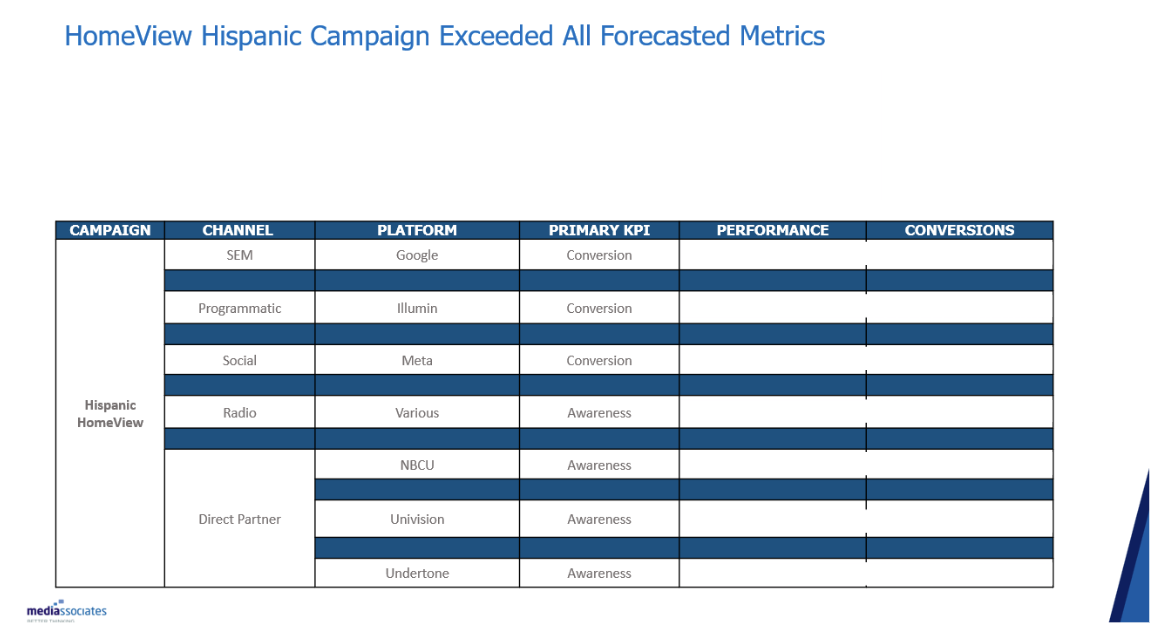
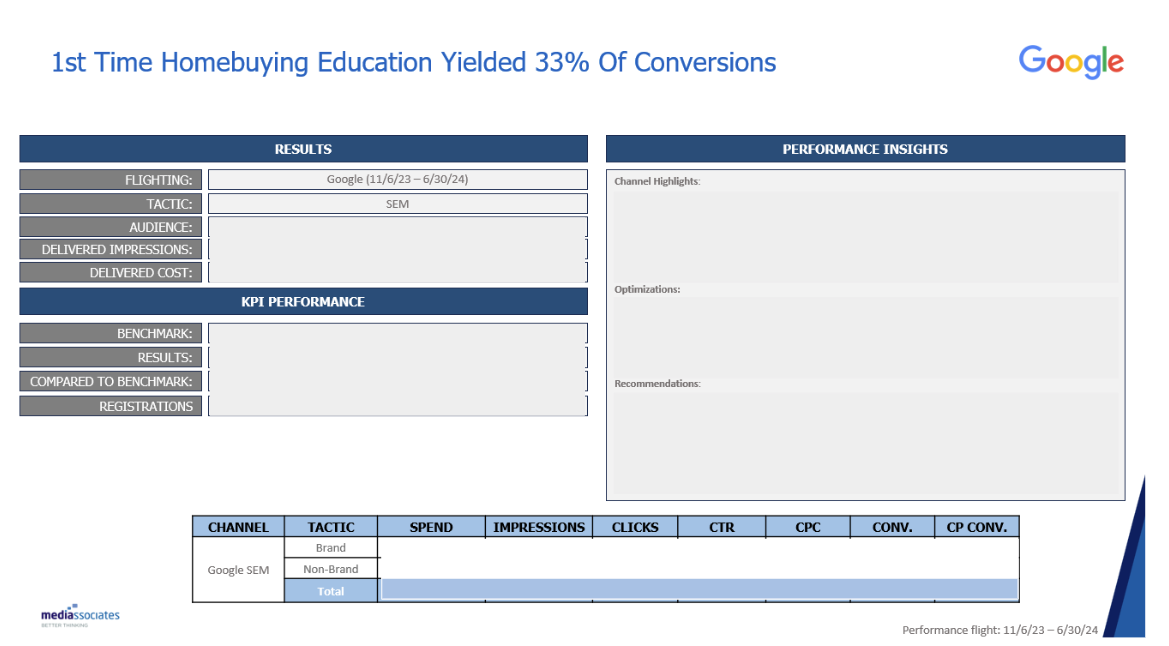
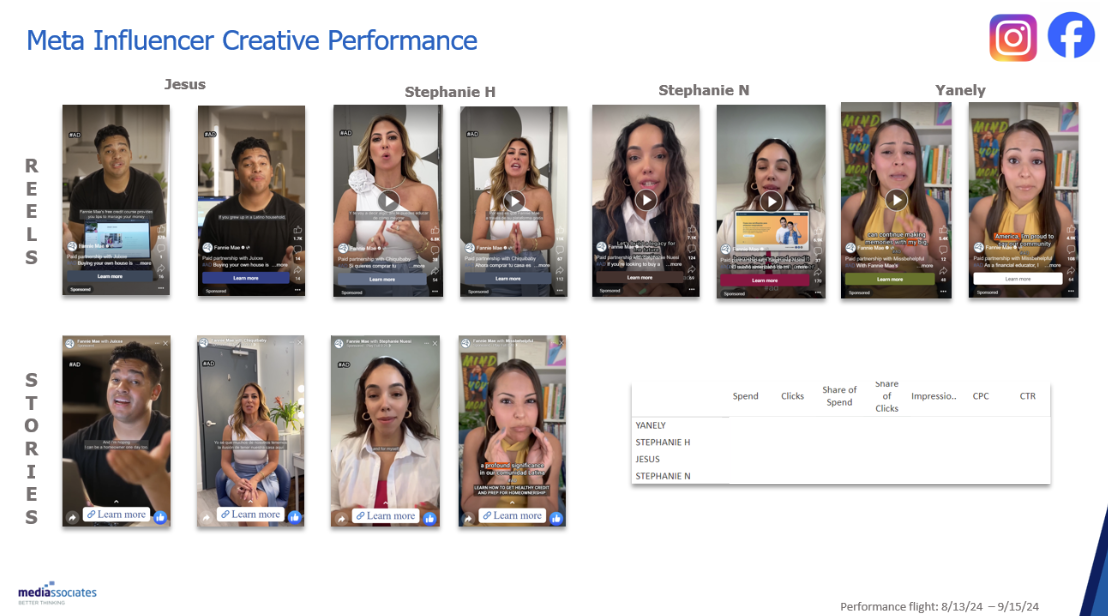
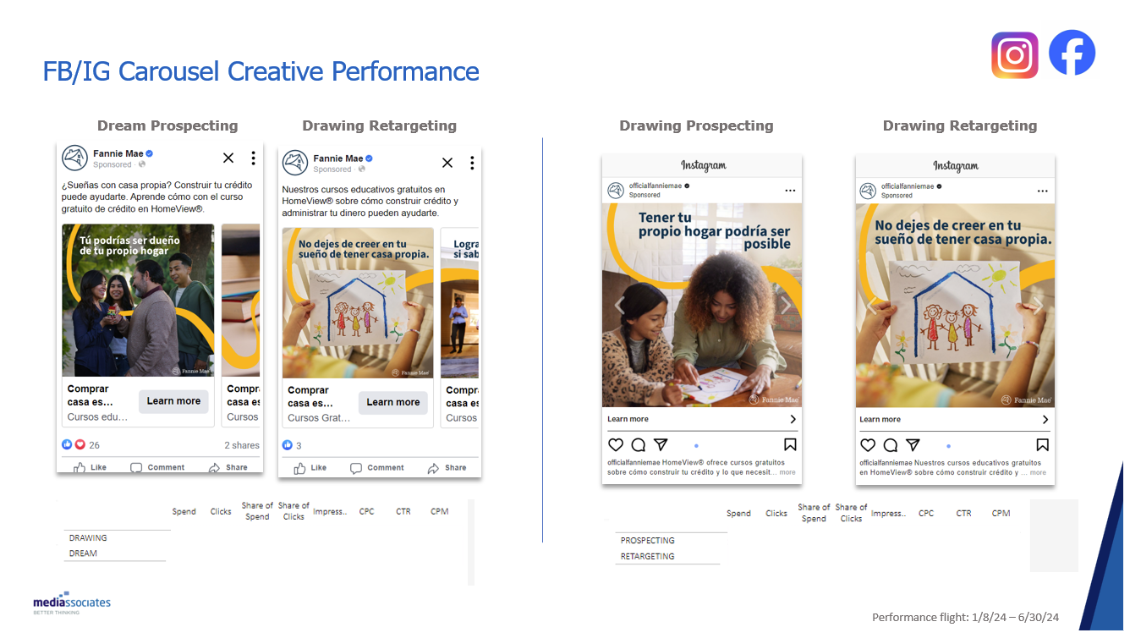
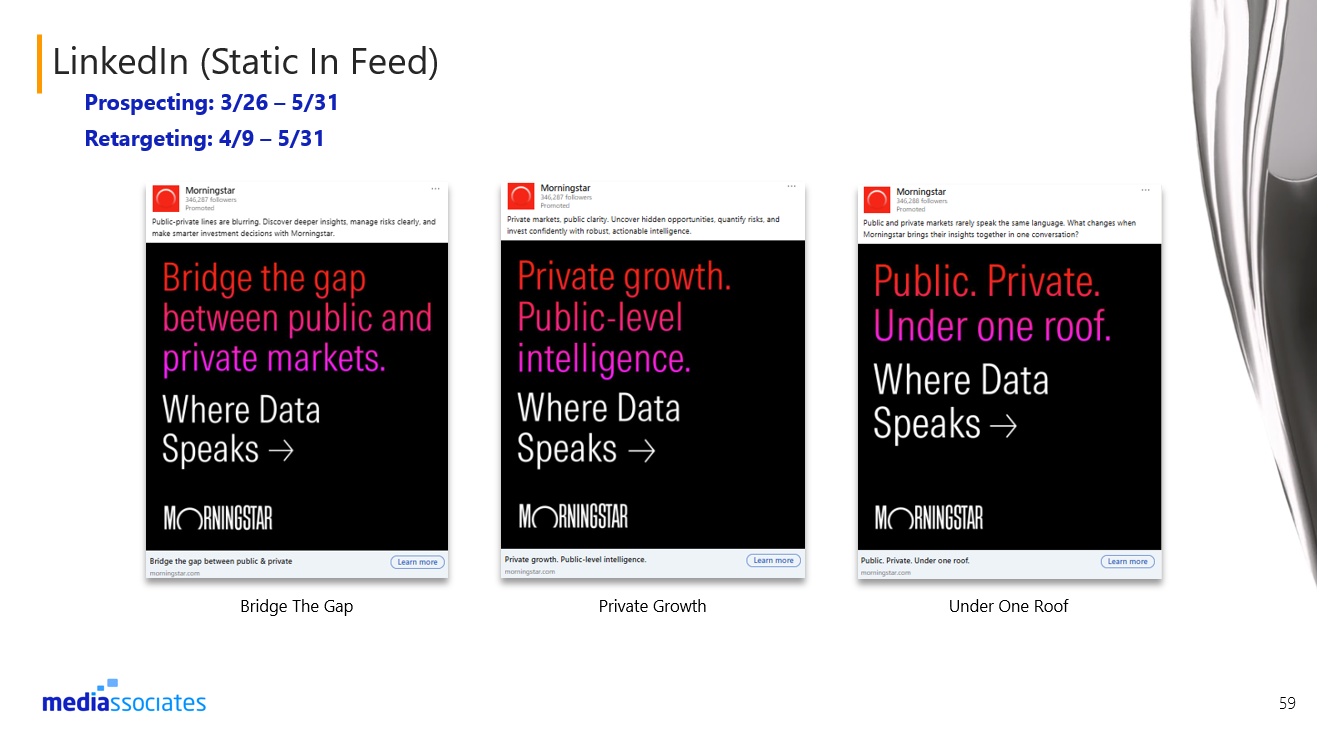
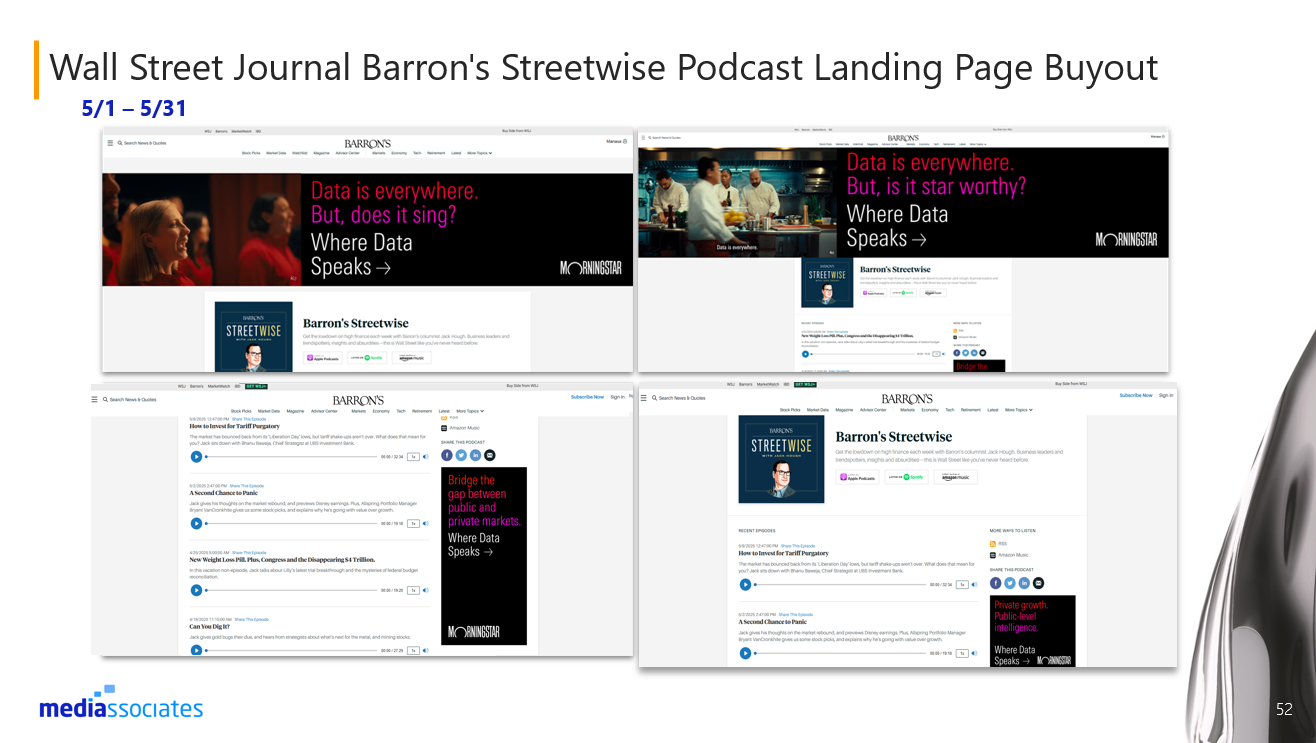
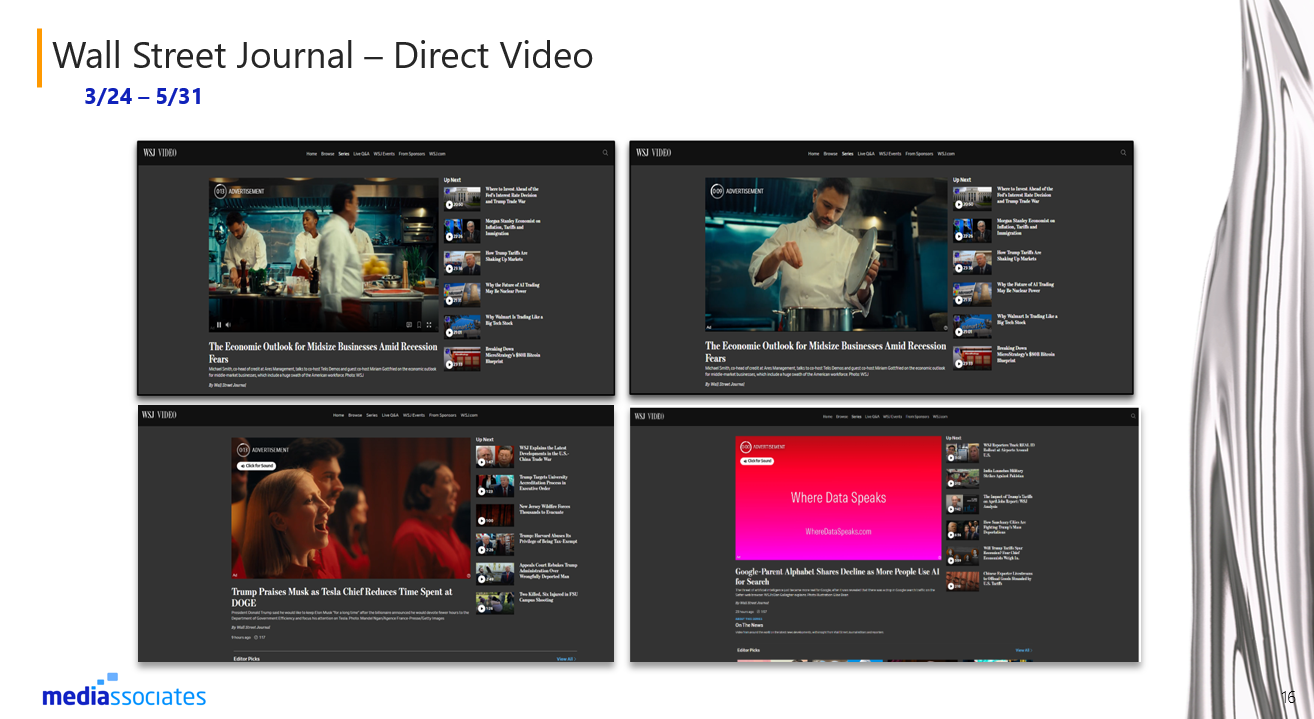
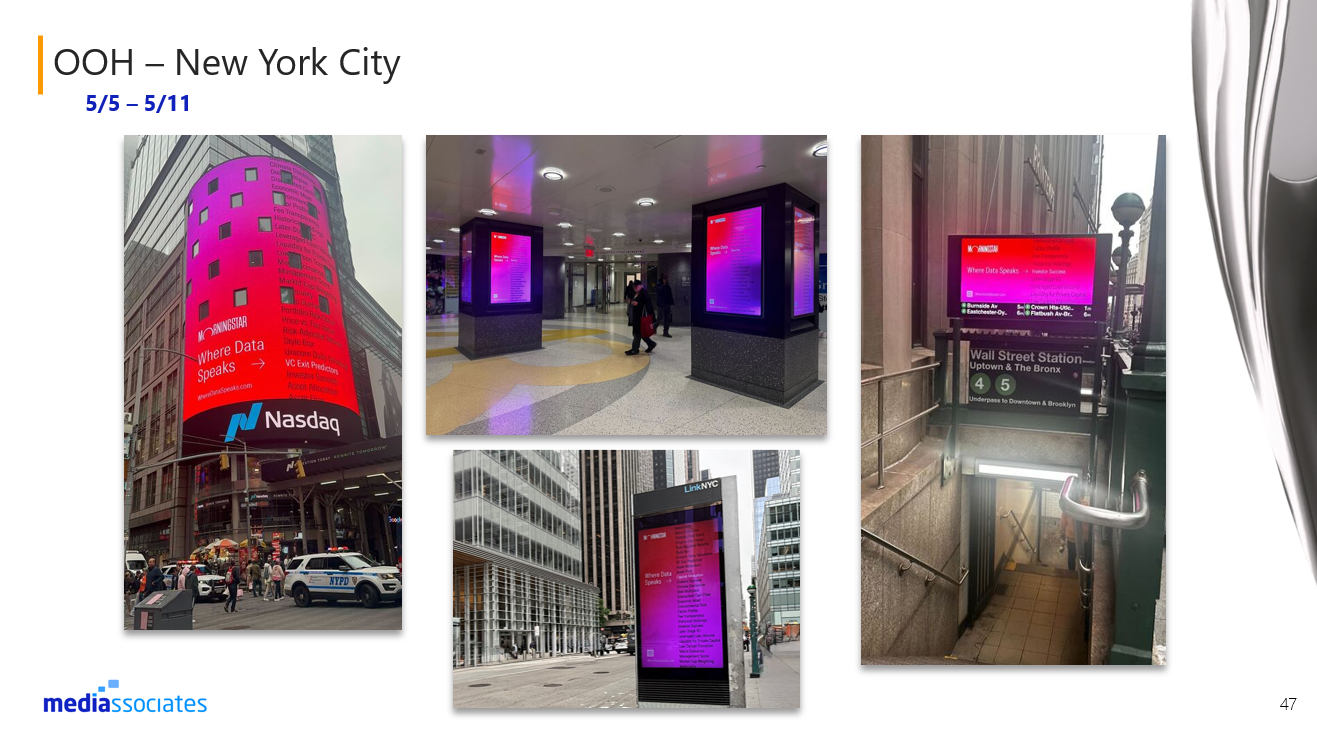
I created extensive and detailed presentation decks to inform the clients of their campaign performance. The deck included:
Executive Summary & Plan Parameters
Graph highlighting KPI performance
Benchmarks vs. Actual performance
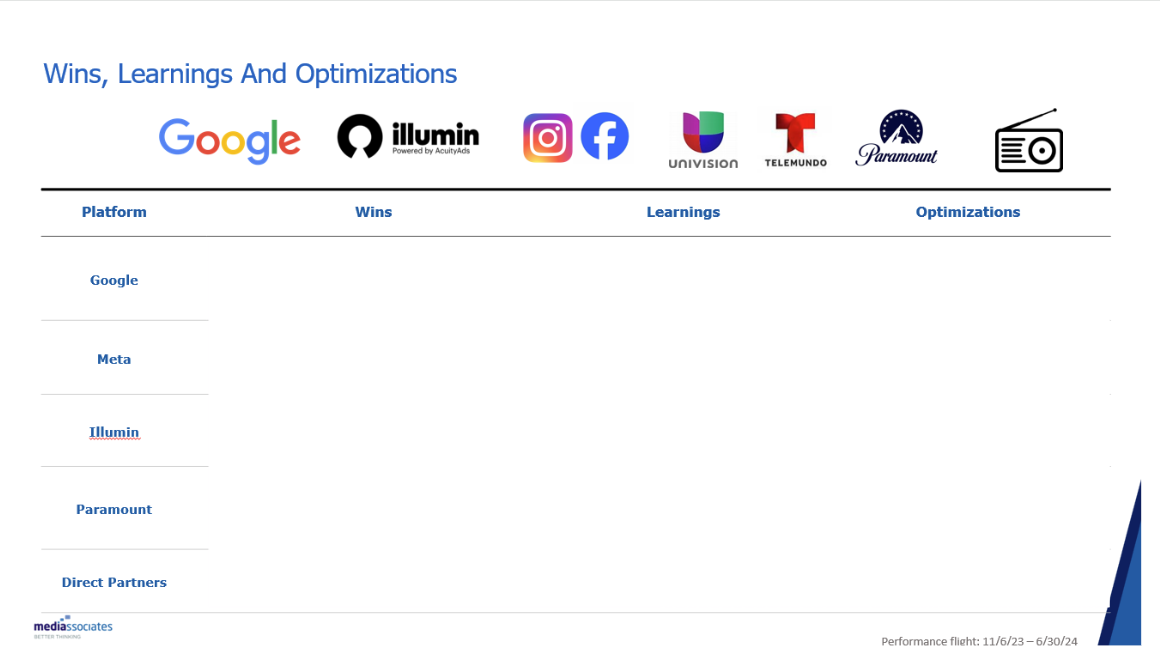
Slide highlighting each channel’s high-level Wins, Learnings, and Optimizations
Individual Channel slides for deeper dive into performance and insights.
Creative performance slides with creative screenshots.
Closing slide
-
These presentations gave the clients an interactive experience and deeper insight into their campaign performance. Clients were able to ask questions and learn more about the internal work we did to optimize the campaign to meet / exceed benchmarks.

03.
Manage the Creative Asset Delivery via Bynder (DAM) Across Internal and External Partnerships
-
Bynder (DAM), Microsoft Excel, and Microsoft PowerPoint
-
As an Account Planner and Digital Operations Specialist I am responsible for managing the assets that are delivered by multiple creative agencies and ensure the assets are to spec.
-
As an Account Planner and Digital Operations Specialist I am responsible for:
Managing the assets that are delivered by multiple creative agencies and ensure everything is shared on time for launches.
Review each individual asset to ensure it is to Spec and ready for ad ops trafficking. If not to spec, I am responsible for reaching out to the creative agency.
Store the creatives in Bynder and share the creatives with our internal teams and direct partners to launch on time.
-
In order to keep track of delivered accurate assets, I created a creative matrix for creative agency reference when designing the assets. Within this creative matrix document we have each channel, media type, spec links, ad copy character counts, Landing page links, to ensure we launch the creatives accurately and within the correct channel.
-
This process increased on-time delivery to 95%, and enhanced execution efficiency in a high-volume, omnichannel environment.
04.
Built 100+ Campaign Placements in our Budgeting System for Budget Tracking and Ad Trafficking
*Disclaimer: Some parts in the pictures shown are hidden to protect client confidentiality.
-
MediaOcean Prisma, Microsoft Excel, and Google Double-Click Campaign Manager (DCM)
-
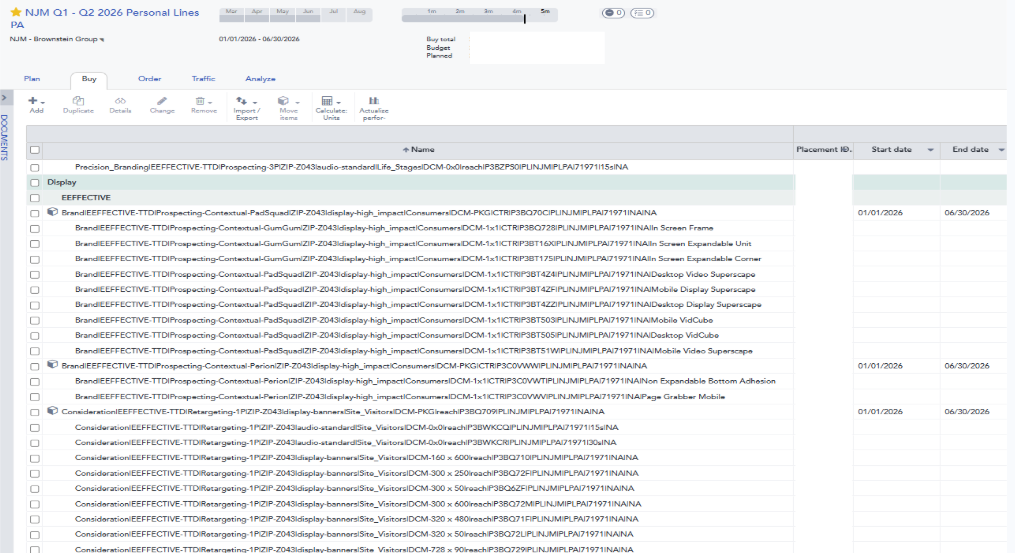
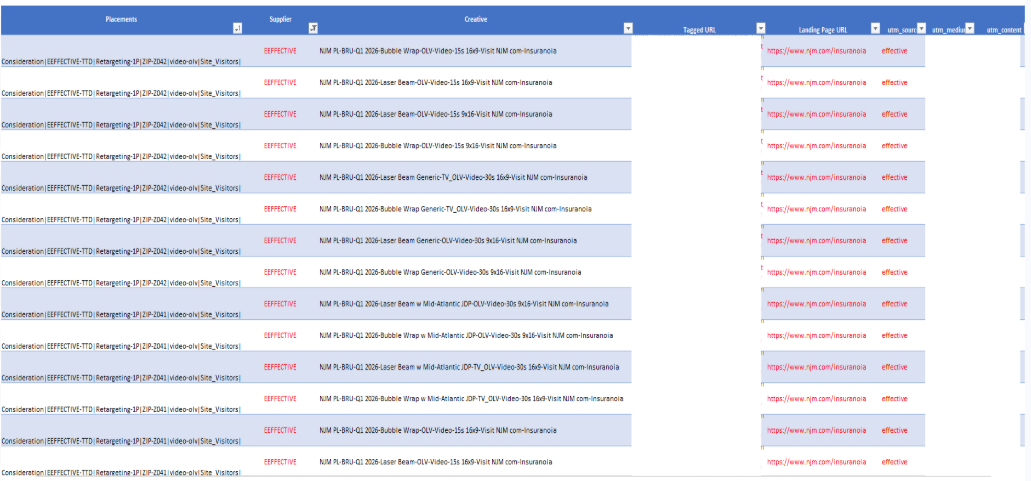
All campaigns need to be built in Prisma for budgeting and ad trafficking (ad tagging) purposes to ensure that all placements, creatives, and campaign set up are accurate and streamlined internally in time for launch.
-
As an Account Planner and Digital Operations Specialist I am responsible for ensuring that all campaigns are set up properly in our system and are ready for tagging.
In order to build campaigns in Prisma and request tags I need the following information:
Signed Authorization to Buy (ATB) from the client.
Final channel plans with planned budgets, rates, impressions, and placement names.
Final creative matrix with the accurately sized creatives to properly traffic assets in our ad server.
Final landing pages to ensure the creatives are driving the audience to the correct place.
After campaigns have launched, I am responsible for managing and actualizing the monthly budgets for every client and platform. Invoices are sent to me and I have until the 15th of every month to reconcile in our system.
-
In Media Ocean I built over 100 campaigns across several platforms from social, programmatic, direct partners, OOH, print, and search buys.
For our monthly actualizations, I am responsible for managing and tracking budgets of over $5M across 8 different clients. Any variances carried over to the next month is communicated to our internal and external teams by me.
-
As a result, 98% of the campaigns I have set up and requested tags for have launched and have been billed on time.
05.
Utilized Tableau to Track Campaign Performance and Maintained Clean Data Visualization Across Dashboards for Clients
*Disclaimer: Some parts in the pictures shown are hidden to protect client confidentiality.
-
Tableau
-
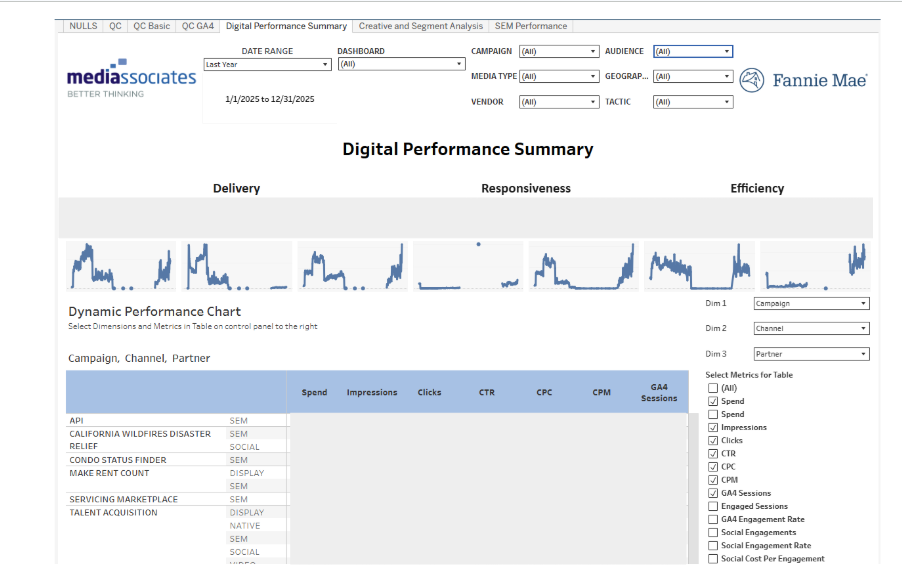
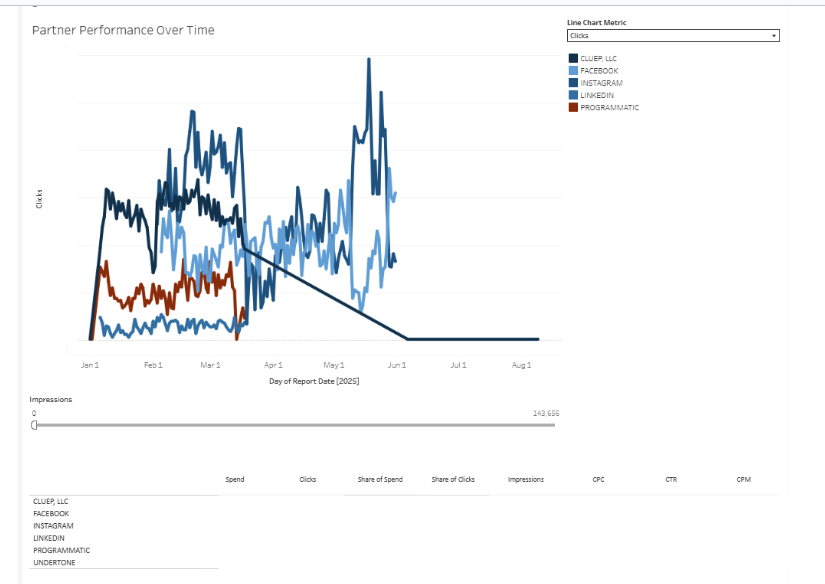
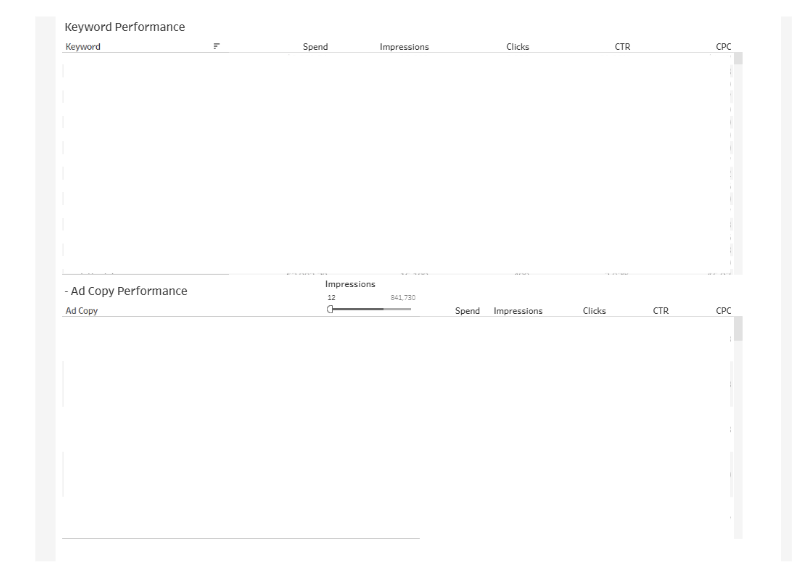
All clients have access to a dashboard to keep up with weekly performance and data. We use Tableau in order to keep track of performance and use data to inform of optimizations that need to be made throughout the campaign flight.
-
Sometimes, we have creative nulls or incorrect labels in the wrong dropdowns.
-
As an Account Planner, I was responsible for reviewing all client dashboards to ensure data is accurate across several campaigns.
I also cleared creative naming nulls to ensure all creatives would appear in the dashboards.
-
The weekly upkeep of dashboards gave clients the ability to to work on their weekly internal reports and gave Mediassociates the ability to showcase campaign performance on a monthly or quarterly basis
06.
Managed Multiple Projects at One Time by Developing Wrike Dashboards and Creating a Priority List on Excel
-
Wrike and Microsoft Excel
-
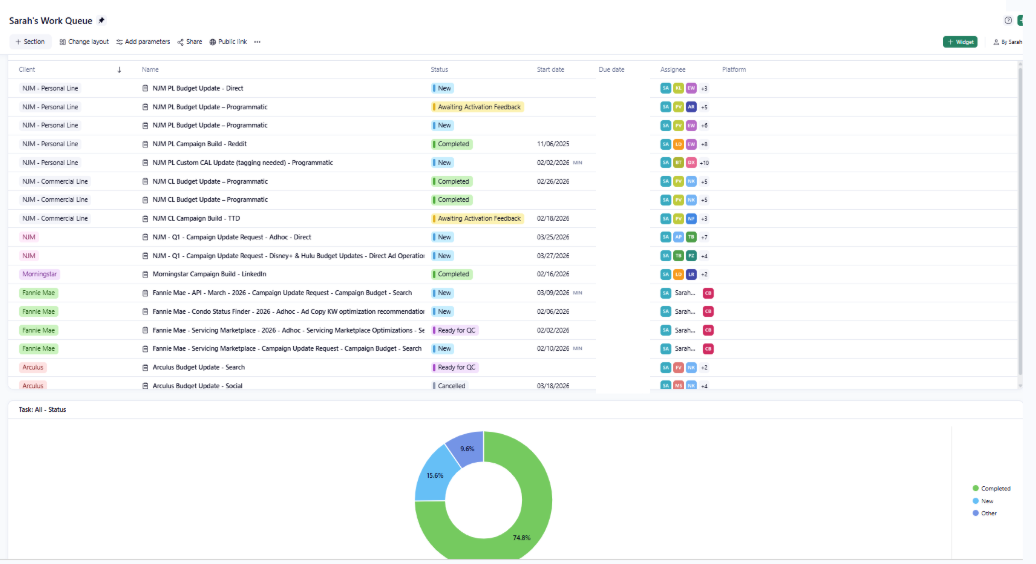
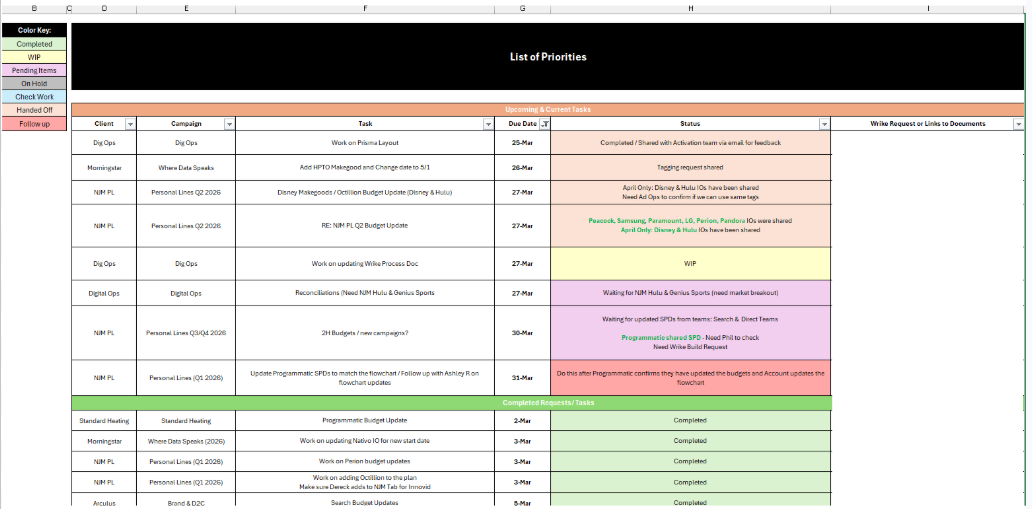
As a Digital Operations Specialist I juggle various projects daily across 8 different accounts.
-
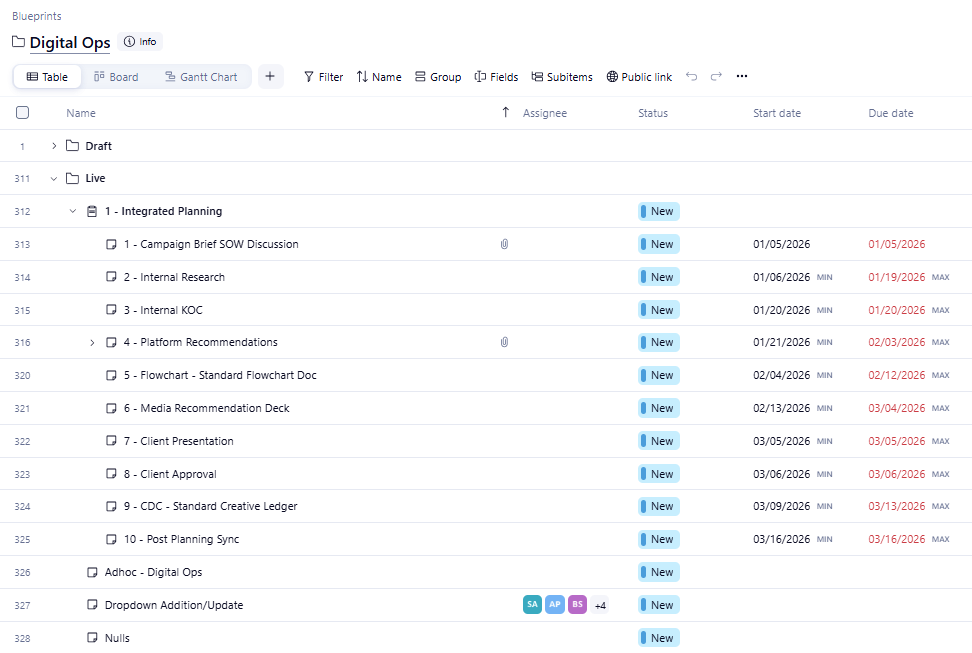
We utilize Wrike as a project management tool to send activation team requests and maintain keep up with due dates, launch dates, and cross-functional team communication.
In order to keep up with all my requests I created a dashboard for myself in Wrike and in Microsoft Excel to ensure that I do not miss any follow ups or new projects.
-
Both my Wrike dashboard and personal priority list resulted in 100% completion of projects in a timely manner.